Best Buy Credit Card Login: How to Sign in, Register and Fix Problems
To use your Best Buy credit card login, sign in to Citibank Account Online. Citi manages the card, so your bill, statements and balance live there. Your My Best Buy Credit Card account is a separate login for orders and points.
This guide shows both logins, how to register a new card, and what to do when sign in fails. Details come from Best Buy and Citi pages checked on November 11, 2026. This site is not Best Buy or Citi. It has no login page, so use the official links below.
Which Best Buy card login do you need?
Pick what you want to do. This tool shows the right official login and the steps. It never asks for your card number or password.
What do you want to do?
What is going wrong?
Only enter your details on Best Buy or Citi pages. Never share your card number, password or one time code with a guide site, including this one.
Where should you log in?
| What you want to do | Where to go |
|---|---|
| Pay your bill, view statements, check your balance, request a credit line increase | Citibank Account Online |
| Activate cardmember offers | Citibank Account Online (Visa offers) or My Best Buy account (Member Offers) |
| View points, certificates and orders | My Best Buy account |
| Check your balance by phone | Citi automated system at 1-888-574-1301 |
What is the difference between the two logins?
Best Buy treats them as two accounts. Citibank Account Online manages the card. You pay bills, view statements and transactions, manage preferences and request a credit line increase there.
Your My Best Buy account manages your shopping. It holds online orders, in store purchases, member offers, rewards and saved payment methods. Best Buy’s links can move you from one to the other, but each holds different information.
How do you log in to Citibank Account Online?
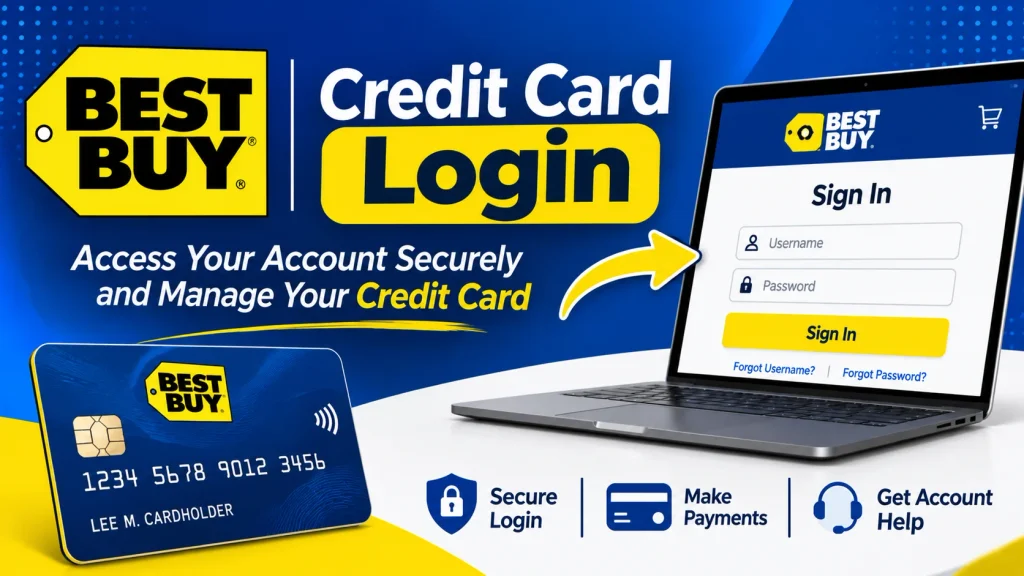
- Open the Citibank Account Online sign in page. You can also use the Account Online link on the Best Buy card page.
- Enter your user ID and password.
- Select Sign On.
Best Buy marks its Account Online links as external. When you click one, you agree to Citibank’s terms and privacy policy. Once you are in, you can pay your bill, check your balance and view statements.
How do you register your card for online access?
New cardholders must register first. Best Buy says registering means creating your Account Online with Citibank.
- Keep your card in hand.
- Open the sign in page and select Get Started.
- Enter your card number so Citi can verify the account.
- Choose a user ID and password.
- Sign on with your new details.
WalletHub lists the current rules. A user ID has 5 to 50 characters and no spaces. A password has 8 to 64 characters. It needs upper and lower case letters, a number and a special character. The password is case sensitive. Check these rules on Citi’s page, because they can change.
What if you forgot your user ID or password?
Select Forgot User ID or Password on the sign in page. Follow the prompts to verify your identity. WalletHub says this lets you retrieve your user ID or reset your password.
If the prompts fail, call Citi at 1-888-574-1301. TTY users can dial 711.
Why can you not log in?
- Wrong account. Try the other route. If your My Best Buy sign in fails, use the direct Citi page, and the other way around.
- New card. You must register before you can sign on.
- Typing error. The password is case sensitive. Check caps lock.
- Saved password. Delete the one your browser saved and type it by hand.
- Browser problem. Try another browser or a private window.
- Still stuck. Call Citi at 1-888-574-1301.
How do you link your card to your My Best Buy account?
Save the card as a payment method in your My Best Buy account. This gives you faster checkout. Make sure the member ID on your account matches the member ID on your card. Best Buy says this gives the best online experience.
You can find your member ID on the card or on your My Best Buy account home page. Once the card is saved, you can enable balance viewing in your account.
How do you check your balance and statements?
Sign in to Citibank Account Online for your balance, statements and transaction history. You can also call 1-888-574-1301 and use the automated system. Have your account number ready.
If you saved the card in your My Best Buy account and enabled access, you can see your balance there too.
How do you see your points and certificates?
Sign in to your My Best Buy account or to Account Online to review rewards. Best Buy’s card dashboard says 250 points equal a $5 reward certificate. Certificates are coupons for discounts on future purchases. They expire at midnight Central Time, so check the date on each one.
You can set your points banking choice on the rewards overview page. For rewards questions, call Best Buy Customer Care at 1-888-237-8289.
Is there a Best Buy credit card login app?
Best Buy’s help page lists Citibank Account Online and a phone line as its 24 hour self service options. It does not name an app. Some third party sites say the Citi Mobile app supports Best Buy cards. Official pages do not confirm that.
Check whether your card appears in the Citi Mobile app before you rely on it. Download apps only from the App Store or Google Play, and check that the publisher is Citibank.
Can you pay without logging in?
Yes. Citi runs a guest pay page for this card. It is meant for payments without signing in. Check what details it asks for.
You can also pay by phone at 1-888-574-1301, in a Best Buy store or by mail. To pay by text, send PAY to 81964 from the phone linked to your account. Best Buy says your payment account must be saved in Account Online first. Debit card payments do not work by text.
Is the Visa login different from the store card login?
No. Best Buy sends all cardmembers to Citibank Account Online. That covers the My Best Buy Visa and the store card. The Visa also shows offers outside Best Buy in Account Online.
Is the Best Buy credit card login page safe?
Use only Best Buy and Citi pages. Citi hosts the sign in page at citiretailservices.citibankonline.com. Type the address or use Best Buy’s link.
Never enter your card number, password or one time code on a page you reached from an email, text or ad. A guide site like this one should never ask for them.
What is the customer service number for login help?
Call Citi at 1-888-574-1301 for account and sign in help. Self service through this number runs 24 hours a day. TTY users can dial 711. For rewards questions, call Best Buy Customer Care at 1-888-237-8289.
Login or apply: what if you do not have the card yet?
You need an account before you can log in. Prequalify or apply on the Best Buy card page. Best Buy says prequalifying has no impact to your credit score.
After you apply, check your application status online or call 1-888-574-1301. Once Citi approves you, register your card.